
Product Teams: Practical Traceability Matrix Template for Agile
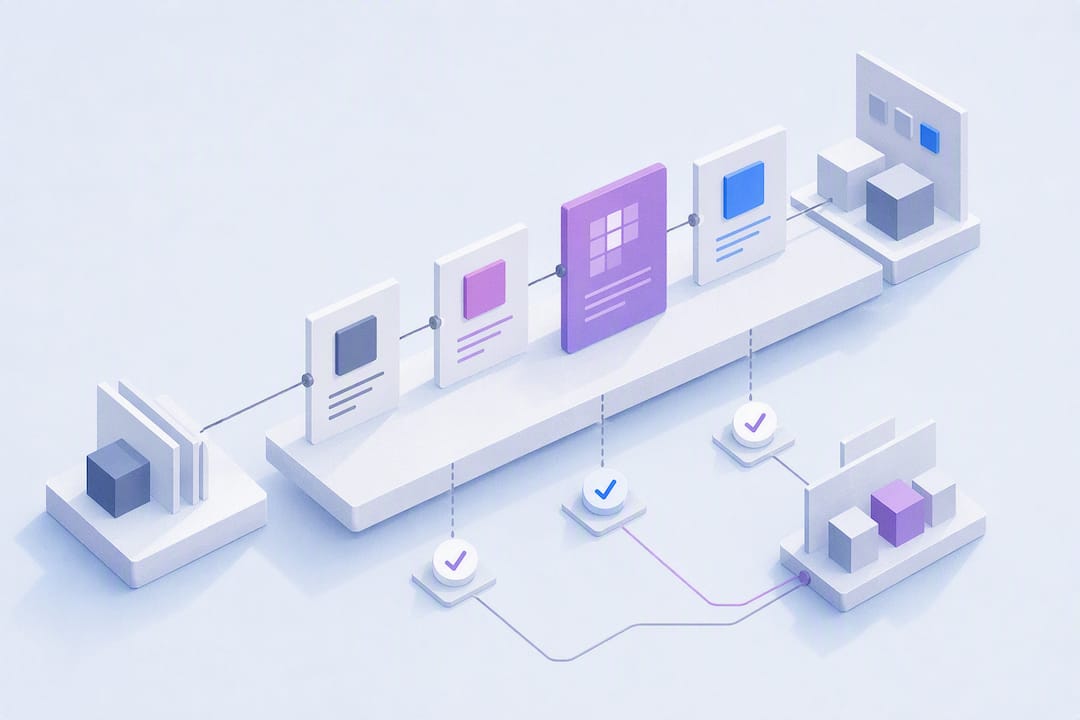
A requirements traceability matrix (RTM) links every requirement to its source, its design, its test cases, and the evidence that it actually works. The payoff is straightforward: nothing gets built or shipped without proof it was requested, tested, and verified, and when something changes, you know instantly what else needs a second look. Standards like ISO/IEC/IEEE 29148 formalize this practice, and auditors in regulated industries treat it as baseline evidence, not a nice-to-have.
TL;DR:
Most organizations rely on a minimal set of columns, such as requirement ID, description, source, test case links, status, and defects, for effective RTMs.
Bidirectional traceability is recommended for projects with compliance or safety risks because it captures both missing tests and unjustified requirements.
Automated tools like Jira integration or Segua can maintain live, current traceability, especially in fast-moving Agile environments.
Regular impact analysis and “zero checks” help identify missing test links, open defects, or outdated requirements before audits or releases.
Manual spreadsheets suffice for small, slow-changing projects but become inadequate once requirements grow and change frequently across multiple teams.
Table of Contents
-
Forward, Backward, and Bidirectional Traceability: What’s the Difference?
-
Keeping Traceability Current in Agile and Jira-Based Projects
What Is a Requirements Traceability Matrix (RTM)?
A requirements traceability matrix is a table, and sometimes a live dashboard, that maps each requirement to the artifacts proving it was implemented and verified. That includes the requirement’s origin (a stakeholder request, a regulation, a design constraint), the design or code that satisfies it, the test cases that check it, and any defects logged against it. Wikipedia’s definition of a traceability matrix frames it as a completeness check: you can scan the matrix and immediately see what has no test, what has no source, and what nobody owns anymore.
The concept works both directions at once, which is why practitioners call it bidirectional. You can start at a requirement and trace forward to its tests, or start at a test and trace backward to the requirement that justified writing it. In regulated fields, that backward trace answers a question auditors ask constantly: why does this test, this line of code, this design decision exist?
RTM shifts from “good practice” to “required” fast in certain contexts:
-
Medical device software under ISO 13485 or FDA scrutiny, where electronic records must show a documented chain of evidence.
-
Avionics software governed by DO-178C, where every requirement needs demonstrable verification.
-
Any contract or grant that specifies deliverable acceptance criteria tied to formal sign-off.
Outside those worlds, RTM is still valuable, just optional. Once you’re past a handful of requirements, the mental tracking that worked for a five-person team stops scaling, and a written matrix becomes the only reliable memory of what got promised and what got proven.
Forward, Backward, and Bidirectional Traceability: What’s the Difference?
Each traceability direction answers a different question, and picking the wrong one leaves gaps you won’t notice until an audit or a production bug forces the issue.
-
Forward traceability starts at the requirement and asks: is everything we promised actually covered by a test? You trace requirement to design to test case. This catches requirements nobody bothered to test, which is the single most common gap in fast-moving teams.
-
Backward traceability starts at a test, a line of code, or a design decision and asks: why does this exist? You trace back to the originating requirement. This catches scope creep, features nobody asked for, tests that verify nothing anyone requested, and code that quietly outlived its justification.
-
Bidirectional traceability runs both directions simultaneously. Jama Software’s traceability guide recommends this as the default for any project with real compliance or coverage stakes, since it’s the only approach that catches both missing tests and unjustified work at the same time.
The trade-off is maintenance effort. Forward-only traceability is cheap to build and decent for internal projects with low audit risk. Bidirectional traceability costs more to keep current but is close to mandatory once a regulator, a client contract, or a safety case enters the picture.
What Columns Belong in a Requirements Traceability Matrix?
Most failed RTMs fail for the same reason: too many columns nobody updates. A minimal, disciplined schema beats an exhaustive one that rots within a sprint.
The columns that earn their place in nearly every RTM:
-
Requirement ID: a unique, stable identifier that never gets reused, even after the requirement is deleted.
-
Description: one clear sentence, not a paragraph. If it needs a paragraph, it’s probably two requirements.
-
Source: where the requirement came from (stakeholder, regulation, prior defect, design constraint).
-
Priority: high, medium, low, or a numeric scale, whatever your team already uses elsewhere.
-
Test case ID(s): links to the specific tests that verify this requirement.
-
Status: not started, in progress, verified, failed, deferred.
-
Defects: linked bug IDs raised against this requirement, if any.
Optional columns worth adding only when they solve a real problem you’re having: a design reference for complex systems, an owner field when more than one team touches requirements, a verification method (test, inspection, demonstration, analysis), a regulatory reference for standards like ISO 14971 hazard links, and timestamps for approval history in audited environments.
ID conventions matter more than people expect. A common hierarchy uses prefixes like SYS- for system-level requirements, HLR- for high-level requirements, and LLR- for low-level or derived requirements, so anyone scanning the matrix instantly understands where a given row sits in the hierarchy without opening a separate document.
Pro Tip: *Resist the urge to add a column “just in case.” Every column is a maintenance obligation.
How Do You Create a Requirements Traceability Matrix?
Building an RTM is less about the spreadsheet and more about the discipline behind it. Here’s the sequence that actually holds up across a project’s life:
-
Inventory every requirement and assign it a stable, unique ID. Pull from specs, stakeholder interviews, contracts, and prior defect reports. Never reuse an ID, even for a deleted requirement.
-
Define your link types before you start mapping. Decide what “derives-from,” “implements,” and “verifies” mean in your context, and write the definitions down somewhere the whole team can see them. Ambiguous link semantics are what turn RTMs into arguments later.
-
Map each requirement to its design or spec reference and the code module that implements it. This is where forward traceability starts taking shape.
-
Attach test case IDs to each requirement, and link any defects raised during testing back to the requirement they violated.
-
Run a gap analysis. Sort by test case column and look for blanks. A requirement with zero linked tests is a red flag, and so is a single test case linked to a dozen unrelated requirements.
-
Simplify high-degree relationships. If one requirement touches ten test cases and five modules, it’s usually a sign the requirement needs to be split into smaller, independently verifiable pieces.
-
Establish an update workflow. Decide who edits the matrix, when, and under what trigger. The most durable pattern makes a traceability link mandatory at requirement-edit time and blocks marking a task “done” until a test association exists.
Bake step 7 into your team’s Definition of Done. An RTM that updates only during pre-audit panic is a liability disguised as documentation, since the gaps it should have caught six months earlier surface at the worst possible moment.
Pro Tip: Set up an automated alert that fires when someone edits a requirement’s text after it’s already linked to a test. Silent drift between requirement wording and test intent is one of the sneakiest sources of audit findings.
Sample RTM Table: A Worked Example You Can Copy
Reading an actual matrix beats any abstract explanation. Here’s a compact sample covering four requirements from a hypothetical inventory management feature:
Each row tells an auditor or a tester something specific. SYS-101 is the clean case: one source, two tests, verified status, no open defects. That’s what a healthy requirement looks like.
SYS-102 shows a requirement still in motion, with an open defect (DEF-12) blocking full verification, which is exactly the kind of item a status report should flag before release.
SYS-103 is the gap you’re hunting for: no test case at all. As GeeksforGeeks notes in its RTM breakdown, this kind of blank cell is where late-stage defects come from, because nobody verified the requirement before it shipped.
SYS-104 shows the opposite problem: four test cases and two defects tied to one low-priority requirement. That’s a lot of testing weight on something the sales team requested casually. It’s worth asking whether the requirement is actually three requirements wearing one ID.
Keeping Traceability Current in Agile and Jira-Based Projects
Static spreadsheets die fast in Agile teams, where requirements shift every sprint and backlog churn buries yesterday’s links under today’s changes. The fix isn’t more discipline, it’s better integration into tools your team already touches daily.
Teams running Jira commonly build traceability using native issue links between requirement tickets, development tasks, and test cases, supplemented by test-management plugins that generate coverage reports automatically. Project Management Formula’s guide to RTM in Jira describes this pattern as turning a static spreadsheet into something closer to a live dashboard, since links update as tickets move through workflow states instead of waiting for someone to manually refresh a file. Azure DevOps offers similar native traceability views tying work items to test plans.
A few tactics keep the matrix honest under Agile speed:
-
Make a traceability link mandatory before a story can be marked “Ready for Test” in your workflow.
-
Write acceptance criteria that name the test case ID directly, so linkage isn’t left to memory.
-
Run a weekly orphan check: any requirement or test with zero links gets flagged in standup.
-
Report coverage as a simple ratio (requirements with at least one passing test, divided by total requirements) rather than a vague status update.
That coverage ratio matters more than people expect. Jama Software’s guide points out that RTM delivers the most value as a living artifact updated through routine workflow gates, not as a document assembled the week before an audit. Teams that treat traceability as a Definition of Done requirement rarely scramble later.
Best Practices, Common Pitfalls, and Fast Impact Analysis
The RTMs that survive a project’s full lifecycle share a few habits. The ones that die in a forgotten spreadsheet share a different set of mistakes.
What works consistently:
-
Stable, never-reused requirement IDs, decided once and never renamed.
-
A minimal column set that the team actually updates, not one built to look thorough in a template.
-
One named owner per requirement area, even on small teams, so updates don’t fall through the cracks.
-
Traceability review built into sprint reviews or change control meetings, not treated as separate paperwork.
The pitfalls that wreck RTMs almost always trace back to neglect rather than bad design: spreadsheets updated only before audits, sparse fields nobody enforces, and rows so overloaded with many-to-many links that nobody can read them at a glance. Large matrices dense with tangled relationships usually mean requirements need splitting into smaller, independently testable units rather than more columns to track the mess.
When a requirement changes, impact analysis should take minutes, not days. Filter the matrix by that requirement’s ID, pull every linked test case, design reference, and defect, and reassess each one for relevance. This is the exact mechanism GeeksforGeeks highlights as RTM’s strongest use case: catching downstream impact before it becomes a late-stage defect instead of after.
Pro Tip: Before an audit, run a “zero check”: scan for any row with no test case and any test with no requirement. Auditors find these in the first ten minutes, so you should find them first.
An audit checklist typically comes down to three questions: does every requirement trace to at least one test, does every test trace back to a requirement, and is the update history recent enough to trust.
When Does a Spreadsheet Stop Being Enough?
Manual RTMs work fine for small teams with slow-moving requirements and low audit stakes. A spreadsheet with ten well-maintained columns can carry a project through several releases without trouble. The wheels come off once requirements originate from a dozen scattered meetings, change weekly, and touch multiple teams, because nobody has time to manually re-link everything after every conversation.
That’s the point where automation earns its keep, not before. The clearest wins show up in two places: catching contradictions between what different stakeholders said across separate meetings, and auto-linking new requirement text back to the meeting or document where it originated, without someone retyping it into a tracker. Teams juggling multiple concurrent requirement sources feel this gap first, usually right after a client meeting introduces three new asks nobody wrote down consistently.
Let Segua Handle the Linking While You Handle the Decisions
Segua turns meeting recordings and uploaded documents into structured requirement specs, then automatically tracks the links between requirements, contradictions, and open questions, so your matrix stays current without someone rebuilding it every sprint. Instead of manually re-linking a requirement every time a stakeholder mentions it in a new call, Segua flags the contradiction and surfaces the connection for you.
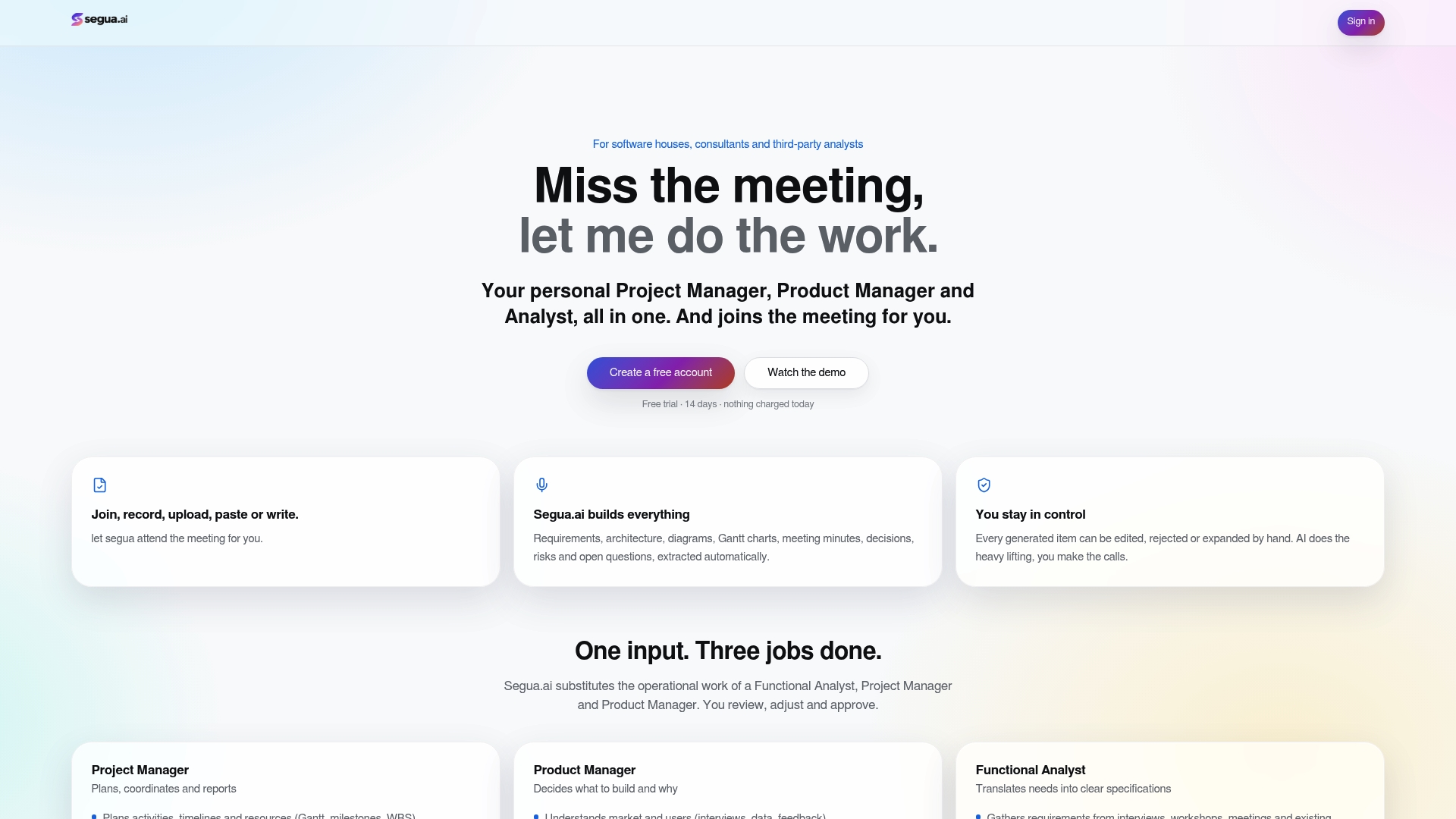
That matters most during impact analysis: when a requirement changes mid-project, you want to know what else it touches in minutes, not after a defect surfaces in production. Segua’s use-case examples show how automated linking replaces the manual re-tracing that eats a business analyst’s afternoon. If you’re comparing this against a standard AI notetaker or a generic project management tool, the difference is that Segua tracks the traceability itself, not just the transcript. The Pro plan runs $39 EUR per month, with extra meeting hours billed at $2.50 EUR per hour. You can try a free meeting and see the requirement extraction and linking happen on your own content before deciding whether to subscribe.
Sources
-
What is a Traceability Matrix? Guide + Example - Jama Software
-
Part 11, Electronic records; electronic signatures: scope and application, FDA
FAQ
What Is a Requirements Traceability Matrix?
It’s a table that maps each requirement to its source, design, test cases, and verification evidence, letting teams confirm every requirement was built and tested. Wikipedia’s traceability matrix entry describes it as a completeness check across the full requirement lifecycle.
What Is an RTM With an Example?
An RTM row typically shows a requirement ID, its description, its source, linked test cases, current status, and any defects, such as SYS-101: alert on low stock, sourced from client spec, verified by TC-045 and TC-046, status Verified. The full worked example above shows four such rows, including one gap and one overloaded relationship.
Who Is Responsible for the Requirements Traceability Matrix?
Ownership usually sits with the business analyst or project manager who manages requirements, though testers update test-case links and developers confirm implementation status. On regulated projects, a quality or compliance lead often signs off on the matrix before audits.
Is RTM Used in Agile Projects?
Yes, though it works differently than in waterfall projects. Agile teams typically build traceability through Jira issue links, test-management plugins, or Azure DevOps traceability views, updating the matrix as part of the Definition of Done rather than as a separate end-of-project document.
Do I Need Special Software to Build an RTM?
No. A spreadsheet works fine for small, stable projects, though tools built around linking meeting content and requirements directly, such as Segua, reduce the manual re-linking that spreadsheets require as requirements multiply.
Recommended
Created with BabyLoveGrowth to grow search and AI visibility